Verity Mod MinecraftVerified Minecraft mod download guide
English
dependency and compatibility guide

What Mods Are Required for Verity JE? Dependencies Explained

Short answer: the current Modrinth Verity JE release lists Geckolib as a required dependency and targets Minecraft 1.20.1 with Forge. A Groq API key is an AI configuration credential, not another Mod, and Simple Voice Chat is a separate optional voice path. This guide separates those layers so you can fix a missing dependency without adding random files.

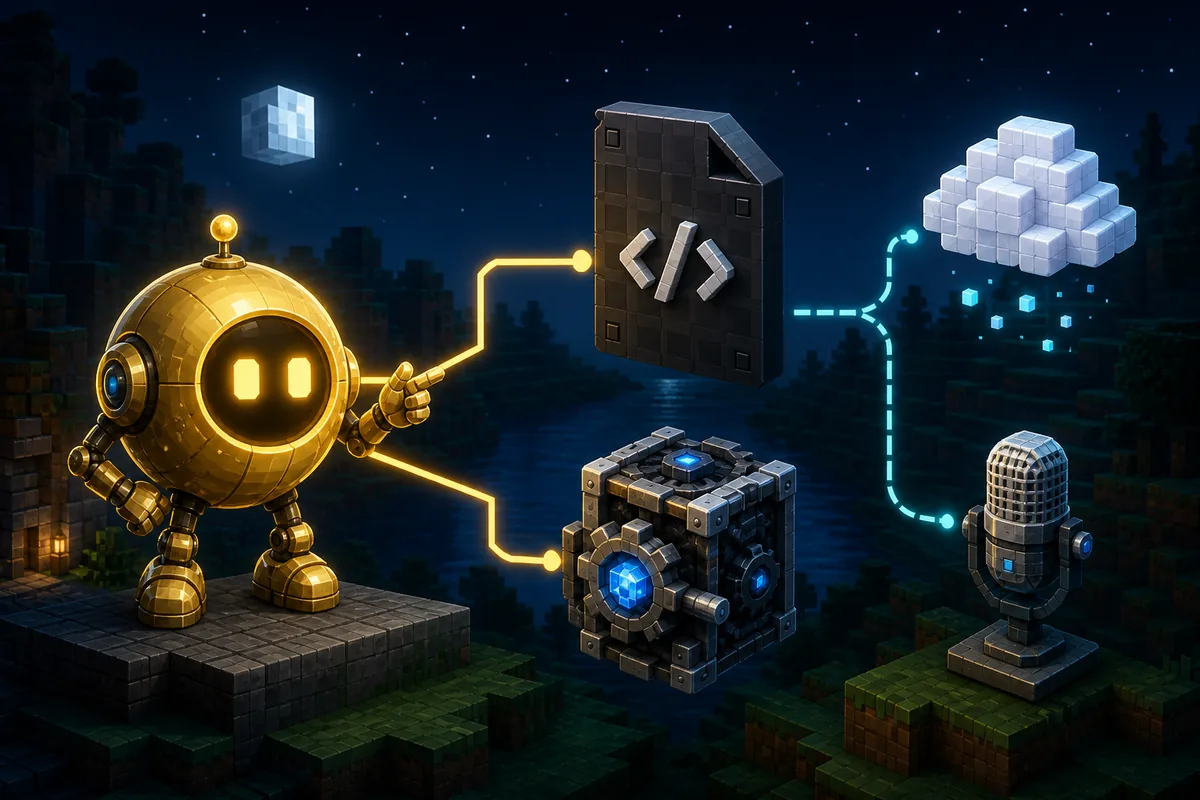
Illustrative dependency diagram showing a Verity-style assistant connected to a Java mod file, Geckolib library, AI cloud and microphone
Illustrative dependency diagram, not gameplay or a launcher screenshot. The HTML table below is the source of truth for required and optional components.
answer first

The Current Verity JE Dependency Answer

Primary keyword what mods are required for verity
Checked release v6.0.0-beta.6, published August 18, 2026
Required Modrinth dependency Geckolib
Minecraft baseline Minecraft 1.20.1 with Forge
Separate configuration Groq API key for AI responses; not a Mod
Source check Modrinth API checked August 19, 2026
the direct answer

What Mods Are Required for Verity? Start With the Dependency List

The clearest answer comes from the version metadata, not from a modpack video. Modrinth's current Verity JE release, v6.0.0-beta.6, lists one required project dependency: Geckolib. The same release targets Minecraft 1.20.1 and the Forge loader. That gives you the minimum Java baseline to check before you troubleshoot AI, voice or horror behavior.

Geckolib is a library used for animated entities and other model behavior. It is not a second Verity project and it does not replace the Verity JE jar. Install the version selected as compatible with your Minecraft profile, keep both files in the same instance, and let the launcher or source page resolve the exact relationship when a version constraint is shown.

The project description also says that Verity is a personal AI assistant powered through Groq. That means an API key and network access may be necessary for the assistant to answer, but they are not Minecraft Mod dependencies. Simple Voice Chat is another separate path: it can matter to a player voice or server setup, but it is not listed as the required dependency for the checked Verity JE release.
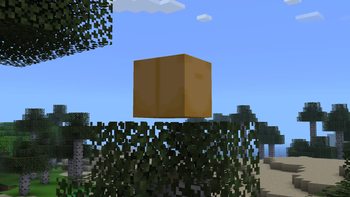
Official Verity JE Modrinth gallery image showing the animated box in a Minecraft world
Official Verity JE project media from the Modrinth gallery. It identifies the Java project, but it does not by itself prove a dependency or server feature.
Component Required? What it does Do not confuse it with
Verity JE jar Yes The main Java mod project A Bedrock add-on or a video download
Geckolib Yes for the checked release Required animation and entity library listed by Modrinth The AI key or Simple Voice Chat
Forge for Minecraft 1.20.1 Yes for this release path The loader and game profile used by the release A universal loader promise
Groq API key Only for the AI connection Lets the described AI assistant request a response A jar or library dependency
Simple Voice Chat Not in the required dependency record Separate player voice or server feature when documented The base Verity installation
Bedrock package Not compatible with this Java path A separate platform and import workflow A Java jar and its libraries
official metadata

What the Modrinth Release Actually Verifies

The official project record is useful because it separates project facts from community assumptions. The checked release was published on August 18, 2026, supports Minecraft 1.20.1 and Forge, and exposes a primary file named verity-6.0.0-beta.6.jar. Its required dependency record points to the Geckolib project. The file was checked through the source CDN with an application/java-archive response and a reported size of 257,909,392 bytes.

This evidence supports a precise install checklist, but it does not prove that every launcher, server host or extra modpack will work. A dependency entry tells you what the release expects. It does not promise that a third-party host has installed it, that every Geckolib build is interchangeable, or that AI and voice features will work without their own settings.

When a tutorial says that Verity needs several extra Mods, compare each name against the current Modrinth version page. A named library is stronger evidence than a filename copied from a video description. If the source page changes, update the version, file, dependency and troubleshooting notes together rather than keeping a cached list.

Official Verity JE project media showing the yellow AI assistant in a Minecraft environment
Official Verity JE project media from Modrinth. The assistant illustrates the AI feature boundary; an API key is configuration, not a required Mod file.
  • Check the release page and its dependency list before opening a mirror.
  • Match Minecraft 1.20.1, Forge and the Geckolib compatibility range.
  • Keep the original Verity filename so duplicate or old jars are easy to find.
  • Treat a Groq key, microphone permission and server voice setup as separate checks.
  • Do not call a Java dependency list a Bedrock installation recipe.
clean setup

How to Install the Required Verity Mods in a Clean Profile

A clean profile is the fastest way to answer what additional Mods do I need for Verity Mod. It gives the log a small number of possible causes. Start with the exact Minecraft version and Forge profile that the release supports, add the Verity jar and the matching Geckolib dependency, and postpone AI, voice and larger modpacks until the base world opens.

Do not download a second Verity jar because the first one shows a missing dependency. First check whether the file is in the instance you actually launch. Separate launchers can have separate mods folders, and a duplicate old jar can make a log look like a library mismatch. A new test world also protects a valuable save from gameplay changes while you confirm the setup.

1

Create the matching profile

Use Minecraft 1.20.1 with Forge for the checked Verity JE release. Keep the profile separate from a large modpack while testing.

2

Add the source file

Use the current Modrinth release file and keep its original name, verity-6.0.0-beta.6.jar, visible in the instance folder.

3

Add Geckolib

Install the Geckolib version selected for the same Minecraft and Forge combination. Do not guess a version from an unrelated loader.

4

Launch with the small list

Start with Forge, Verity JE and Geckolib only. Read the first error line if the game closes instead of adding more files.

5

Test a new world

Confirm that the box or assistant can load before configuring the Groq key, voice chat or a bigger modpack.

troubleshooting matrix

Fix Missing Verity Dependencies Without Guessing

The first useful line in a crash log usually names the missing project or version range. Copy that exact name, then compare it with the release page. Avoid replacing every jar at once: changing the main file, loader and library together removes the evidence you need to find the mismatch.

If the base world loads but Verity does not respond, the problem may be the AI configuration rather than a missing Mod. Test one short typed prompt after the local entity appears. If typed AI works but microphone or player voice does not, continue with the separate voice setup path. These layers should not be collapsed into a single dependency download.

Official Verity JE Modrinth gallery image showing the Verity Demon form
Official Verity JE project media from Modrinth. A gameplay feature image is not proof of a dependency; confirm the library and loader from the release metadata.
Symptom Likely boundary Next check
Missing Geckolib or library class Required dependency absent or incompatible Open the release dependency list and match Geckolib to 1.20.1 Forge
Mod file is ignored Wrong loader, instance or filename Confirm the active Forge profile and remove duplicate old Verity jars
Minecraft closes during loading Version, Forge or library mismatch Use the first error line and test only the required files
Verity appears but does not answer AI key, model, network or provider issue Test the local mod first, then follow the AI setup guide
Player microphone is silent Permission or voice-chat path Check microphone and server voice settings separately
Bedrock cannot import the file Java and Bedrock systems differ Use a Bedrock add-on source instead of the Java jar
limits and updates

What This Dependency Guide Cannot Promise

The current source record confirms a required Geckolib project for v6.0.0-beta.6, but it does not publish one universal compatibility promise for every launcher, hosted server, shader pack or third-party modpack. Server-side metadata is marked required, so a multiplayer test should use the same release and dependency set on the client and server where the host allows it. Read the multiplayer guide for the server boundary rather than treating a local launch as proof of dedicated-server support.

The source page remains the authority after an update. If a newer release changes its required dependency, file name, loader or game version, the answer to what mods are required for Verity changes too. Recheck the release page, update the profile and test in a disposable world before replacing a working setup.

  • Do not install an unknown executable, APK or all-editions installer as a dependency.
  • Do not share a private Groq key in a public modpack, server log or screenshot.
  • Do not assume Simple Voice Chat, a shader or an AI model is part of the required Mod list.
  • Do not use Geckolib or Verity JE files from a different Minecraft loader without source evidence.
next checks

Continue With These Verity Guides

dependency faq

Verity Mod Dependencies FAQ

What mods are required for Verity JE?

For the current Modrinth release v6.0.0-beta.6, the version metadata lists Geckolib as a required dependency. You also need the matching Minecraft 1.20.1 Forge profile. A Groq API key is a configuration credential for the AI feature, not an additional Minecraft mod.

Does Verity JE need Geckolib?

Yes. The current Modrinth version lists the Geckolib project as a required dependency. Choose the Geckolib version that the source page or launcher marks as compatible instead of guessing from a random video.

Do I need Simple Voice Chat to use Verity Mod?

Not for the base Verity JE dependency set checked here. Simple Voice Chat belongs to a separate player voice or server setup. Install it only when your specific voice workflow or server documents it.

Does Verity Mod require a Groq API key?

The project describes an AI assistant powered through Groq, so an API key may be needed for AI responses. The key is not a Modrinth dependency. First make the local mod load with Forge and Geckolib, then diagnose the online AI setup separately.

Why does Verity say a dependency is missing?

The usual causes are a missing Geckolib file, a Geckolib version that does not match the Minecraft profile, the wrong loader, a duplicate old Verity jar or a different launcher instance being started. Read the first dependency line in the log before replacing files.

Can I use these Verity dependencies on Bedrock?

No. Geckolib and the Verity JE Forge path belong to Minecraft Java Edition. Bedrock and MCPE use a separate add-on and import workflow; do not copy a Java jar or its library files into Bedrock.