Verity Mod MinecraftVerified Minecraft mod download guide
English
comparison and setup guide

Best Minecraft Horror Modpacks: 4 Picks, Versions, and a Safer Setup

The best Minecraft horror modpack depends on the profile you can actually run. From The Fog++ is the lightest atmosphere-first starting point in this check; Whispers in the Void offers the broadest 1.20.1 Forge experience but is a much larger download; Horror Camp is the Fabric option; Twilight Hollow is the 1.21.1 NeoForge path. The project pages and version details below were checked on October 24, 2026, so use them as a dated decision aid and open the source page again before installing.

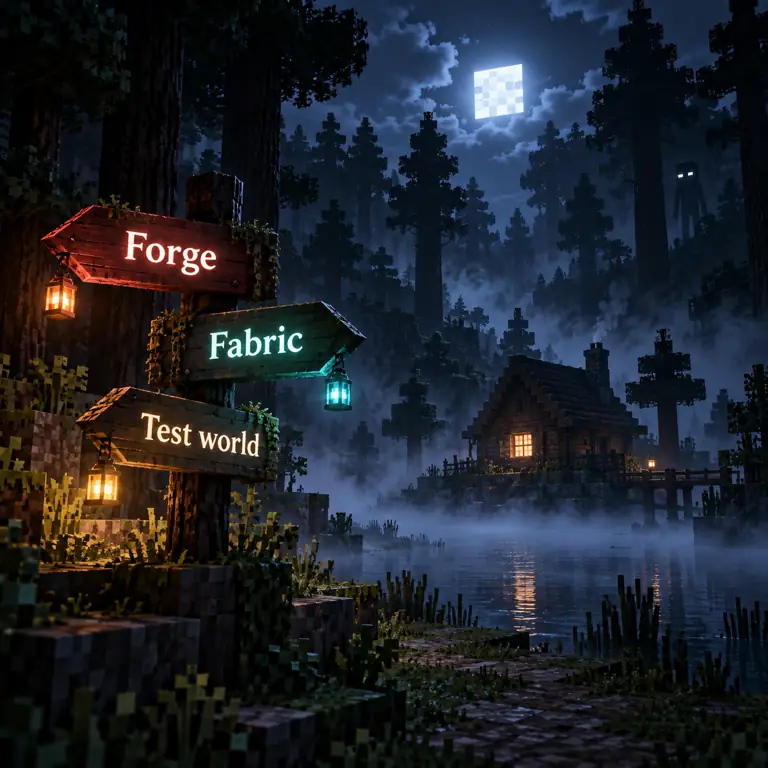
Editorial illustration showing a voxel-inspired horror modpack choice between Forge, Fabric, NeoForge, and a test world
Editorial concept art, not gameplay or an official Minecraft screenshot. The labels show the four checks that decide whether a horror modpack belongs in your profile.
answer first

Choose the Pack by Your Profile

Smaller 1.20.1 Forge start From The Fog++ 1.3.4; an atmosphere-led option with a 1,386,792-byte primary .mrpack file in the check.
Largest 1.20.1 Forge experience Whispers in the Void 10.0.0; 315,641,205 bytes and a heavier first launch.
Fabric route Horror Camp 3.4.1 for Minecraft 1.20.1 Fabric.
Newer NeoForge route Twilight Hollow v1.0.4 for Minecraft 1.21.1 NeoForge.
Source rule Open the official project page, match the release, back up a world, and test the pack in isolation.
the short list

Minecraft Horror Modpacks Compared by Version and Loader

A search for Minecraft horror modpacks is a search for a complete starting profile, not just another monster. The useful comparison is therefore practical: which game version is listed, which loader is required, how large is the primary package, and what kind of session does the pack encourage? A project can be popular and still be the wrong choice for your launcher.

The table uses official Modrinth project metadata checked on October 24, 2026. A listed version is a snapshot, not a permanent guarantee. The package size is the primary file size returned by the API, not the amount of RAM the running game will need. Large packs can unpack into many mods and libraries, so leave room for the launcher, Java, shaders, and the world itself.

The page deliberately links to project pages instead of copying a direct CDN download. A source page makes it easier to see a newer release, a changed loader, or a note from the author. It also keeps the boundary clear: these are community projects, not official Mojang or Microsoft products.

Pack Checked release Minecraft and loader Primary file Best fit
Whispers in the Void 10.0.0 (2026-10-22) 1.20.1 / Forge 315,641,205 bytes Large quests, atmosphere, and a multiplayer-capable starting point
From The Fog++ 1.3.4 (2026-01-31) 1.20.1 / Forge 1,386,792 bytes A smaller atmosphere-first test built around From The Fog
Horror Camp 3.4.1 (2025-01-05) 1.20.1 / Fabric 26,755,799 bytes Players whose launcher already uses Fabric
Twilight Hollow v1.0.4 (2025-08-30) 1.21.1 / NeoForge 108,703,826 bytes A newer NeoForge profile with a cozy-but-horror tone
largest option

Whispers in the Void: A Full 1.20.1 Forge Pack

Whispers in the Void is the choice for a player who wants the pack itself to define the session. The official description calls it a horror pack with quests and an atmospheric nightmare, and the checked release is 10.0.0 for Minecraft 1.20.1 with Forge. Its primary .mrpack file is 315,641,205 bytes, much larger than the other examples here. That size is a useful warning: leave time for the first download, extraction, indexing, and world creation.

The newest listed version in the check was published on October 22, 2026. Because that date is close to this article's check, it is especially important to open the project page rather than reusing a copied filename. The release may have changed after this page was written, and a pack can update its dependency set without changing the broad promise of the title.

Use a separate launcher instance and a new world. If the pack is slow, lower simulation distance before removing random files. If a quest, entity, or sound fails, record the first log message and compare the pack version with the project page. Do not replace the pack with an unknown executable or a renamed archive from a video description.

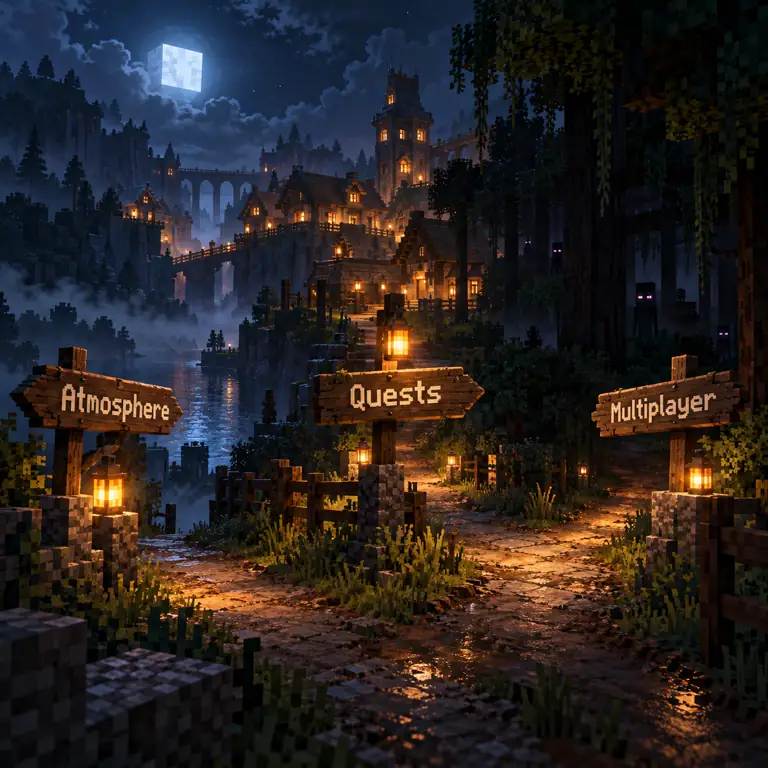
Editorial comparison graphic for a Minecraft horror modpack showing atmosphere, quests, and multiplayer checks
Editorial decision graphic, not a screenshot: compare the experience promised by a pack with the version and loader you can maintain.
  • Choose the pack page's exact 1.20.1 Forge release; do not mix it with a 1.21 profile.
  • Treat 315,641,205 bytes as the downloaded primary file size, not a RAM recommendation.
  • Keep the first world disposable until quests, sounds, shaders, and saves survive a restart.
atmosphere first

From The Fog++: The Smaller 1.20.1 Forge Starting Point

From The Fog++ is a useful first test when you want a horror modpack built around a recognizable atmosphere without starting with the largest file in the list. The checked project description says it combines From The Fog with other chilling mods for immersive survival. Its 1.3.4 release targets Minecraft 1.20.1 and Forge, and the primary .mrpack file returned by Modrinth was 1,386,792 bytes.

A small package does not automatically mean a light runtime. Dependencies, world generation, resource packs, and shaders can still change memory use. The advantage is diagnostic clarity: start with the pack alone, then add performance or visual changes one at a time. If the world feels wrong, you have fewer moving parts to inspect.

This pack belongs beside, rather than inside, the site's individual-mod comparison. Use the existing Minecraft horror mods guide when you are choosing one mod by fear style. Use this page when you want a preassembled profile and need to check the loader and package path first.

  • Best fit for a focused atmosphere test on a 1.20.1 Forge profile.
  • Open the project page to confirm whether the pack now lists a newer release or extra dependency.
  • Keep the original world backed up because a modpack can change generation and saved data.
loader choice

Horror Camp and Twilight Hollow: When the Loader Changes

Horror Camp and Twilight Hollow are useful precisely because they prevent a false one-size-fits-all recommendation. Horror Camp 3.4.1 is the checked Fabric option for Minecraft 1.20.1, with a 26,755,799-byte primary .mrpack file. Twilight Hollow v1.0.4 is a NeoForge option for Minecraft 1.21.1, with a 108,703,826-byte primary file and a cozy, vanilla-styled horror description.

If your launcher already uses Fabric, Horror Camp may be the lowest-friction path. If you are on a 1.21.1 NeoForge profile, Twilight Hollow is the relevant example. Neither fact means that Forge users can drop the same file into their instance. Loader names are compatibility constraints, not tags that can be swapped after download.

The official project page remains the source of truth for dependencies, optional client settings, and multiplayer notes. A pack can list multiplayer as a category while still requiring every client to install the same release. For a server, compare the server-side and client-side requirements before copying a world.

Question Horror Camp Twilight Hollow
Game version 1.20.1 1.21.1
Loader Fabric NeoForge
Checked release 3.4.1 v1.0.4
Use this page when Your profile is already Fabric You are already on 1.21.1 NeoForge
Do not assume Forge compatibility 1.20.1 compatibility
before launch

Check the Version, Loader, and Package Size Before Installing

The most common modpack mistake is treating the title as the compatibility rule. A pack named horror may have separate files for different Minecraft versions, and a launcher can show a valid .mrpack while still using the wrong loader. Record the project URL, release number, game version, loader, and file name before opening the installer.

Use the package size as a planning signal. The 315 MB Whispers in the Void file needs a different download and storage plan from the 1.4 MB From The Fog++ file, but neither number tells you the final Java heap setting. Start with the pack author's notes, leave free disk space, and increase memory only when the launcher and machine can support it.

This checklist also protects multiplayer sessions. Every player should agree on the source page and pack version before a shared world is opened. If one client silently updates, a missing dependency or changed registry can look like a server problem.

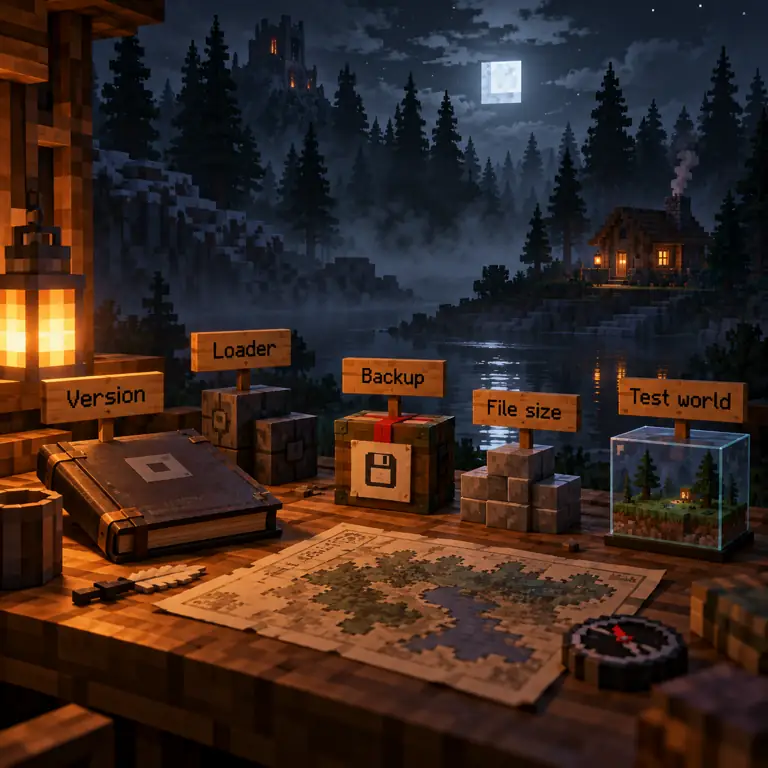
Editorial checklist for a Minecraft horror modpack showing version, loader, file size, backup, and test world
A simple preflight sequence: match the release, isolate the world, and only then add friends or extra mods.
1

Match the release

Open the official project page and copy the exact version number and publication date into your notes.

2

Match the profile

Confirm Minecraft version and Forge, Fabric, or NeoForge before importing the .mrpack file.

3

Plan the machine

Check package size, free disk space, Java version, and the author's performance notes.

4

Back up the save

Create a separate launcher instance and a new world. Keep your valuable world outside the first test.

5

Add complexity slowly

Only add shaders, voice, extra mods, or friends after the base pack loads and can restart cleanly.

multiplayer boundary

Can You Use a Horror Modpack With Friends?

Sometimes, but the word multiplayer in a project category is not a full server guarantee. A shared session needs a matching pack, loader, Minecraft version, configuration, permissions, and often the same resource or shader choices. Start with a copied world and ask every player to compare the active pack list before joining.

If a friend cannot connect, first compare the exact release and loader. Then check whether the pack expects a dedicated server, a host-only setup, or a client download prompt. Use the site's Minecraft horror multiplayer guide for server/client synchronization and the install guide for the general edition boundary. Do not solve a version mismatch by downloading a random replacement archive.

A large horror pack can also change the social contract of a session. Quests, loud audio, surprise events, and world generation can affect everyone. Tell friends what kind of experience the pack creates, agree on a backup, and keep a route back to the clean profile.

  • Confirm the same pack release, Minecraft version, and loader for server and clients.
  • Check whether the pack supports a dedicated server or only a local host path.
  • Use a copied world and explain surprise mechanics before inviting players.
  • If the question is a Bedrock add-on, switch to the Bedrock horror guide.
keep the intent clear

When to Use This Modpack Guide and When to Use Another Page

Use this page for the best Minecraft horror modpacks, pack size, loader, version, and preflight decisions. Use the individual horror mod comparison when you want one creature or atmosphere project rather than a bundled profile. Use Bedrock horror add-ons when your file is .mcaddon or .mcpack, and use the Verity Java guide when the search is specifically about the Verity JE .jar.

This boundary keeps a broad keyword from becoming four copies of the same download paragraph. The stable decision is the one that matches your real file: a mod, a modpack, a Bedrock add-on, or a Verity-specific profile. If the source page changes, update the version note rather than silently treating an old filename as current.

  • Modpack choice and setup: this page.
  • Single-mod fear style: the existing Minecraft horror mods page.
  • Bedrock import: the existing Bedrock horror add-ons page.
  • Server/client sync: the existing multiplayer page.
  • Verity-specific Java, Bedrock, download, or story questions: the existing Verity guides.
final recommendation

Which Minecraft Horror Modpack Should You Pick?

Choose From The Fog++ when you want a compact 1.20.1 Forge atmosphere test. Choose Whispers in the Void when you want a larger quest-led 1.20.1 Forge experience and have time for a 315 MB primary package. Choose Horror Camp when Fabric is the constraint. Choose Twilight Hollow when your profile is 1.21.1 NeoForge. Those recommendations are based on the checked release metadata, not a claim that one pack is universally scariest.

The safest first move is the same for every option: open the official project page, match the exact release and loader, back up your save, create a disposable world, and add multiplayer or extra visual mods only after the base pack restarts cleanly. Recheck the source page on the day you install because the version table is dated and community projects can update independently.

continue with the right guide

Related Verity Mod Guides

quick answers

Minecraft Horror Modpacks FAQ

What are the best Minecraft horror modpacks to try first?

Start with From The Fog++ for a smaller atmosphere-led 1.20.1 Forge profile, Whispers in the Void for a much larger 1.20.1 Forge pack with quests and multiplayer categories, Horror Camp when you need Fabric, or Twilight Hollow when your profile is 1.21.1 NeoForge. Check the official project page before every install because versions change.

Is a Minecraft horror modpack the same as a single horror mod?

No. A modpack bundles multiple mods, configuration, and sometimes resources or quests. It can create a more complete atmosphere, but it also has more dependencies, a larger memory footprint, and more possible points of failure than one mod.

Do horror modpacks work with Forge, Fabric, and NeoForge?

Only when the listed pack release and your launcher use the same loader. The checked examples include Forge, Fabric, and NeoForge builds, but a .mrpack file is not a promise that one loader can open another loader's profile.

Can I play a Minecraft horror modpack with friends?

Some packs list multiplayer support, but the server and every client still need the matching pack, loader, Minecraft version, configuration, and permissions. Test the pack in a copied world before inviting friends and use the site's multiplayer guide for synchronization problems.

Where should I download a Minecraft horror modpack?

Use the named project's official Modrinth page or another first-party page that you can verify. This guide links to stable project pages rather than guessing a CDN file URL, hosting files, or calling an unverified mirror safe.