Verity Mod MinecraftVerified Minecraft mod download guide
crash troubleshooting

Verity Mod Crashing on Launch? 7 Checks Before Reinstalling

Verity Mod crashing before the title screen or while a world loads usually points to a different layer than a failed AI reply. Check the Minecraft version, Forge profile, Verity file and required dependency before changing AI or voice settings. The current Modrinth listing checked on September 25, 2026, is Verity JE 6.0.0-beta.9 for Minecraft 1.20.1 with Forge. If the world already loads and only an AI reply or microphone fails, use the separate AI or voice guide instead.

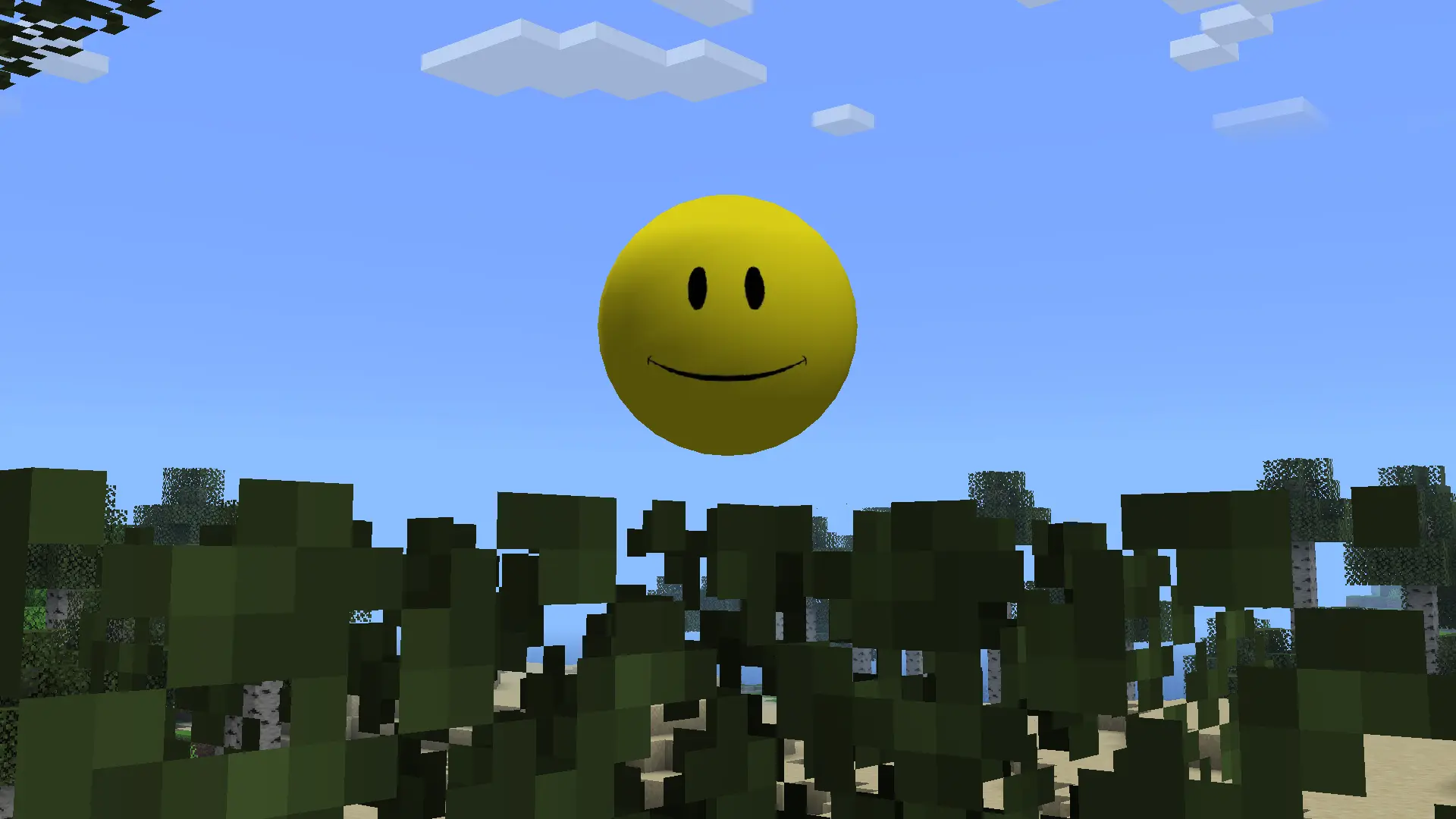
The yellow Verity JE character in a Minecraft forest from the official project gallery
Verity JE project gallery image hosted by Modrinth, checked September 24, 2026. It shows the mod's in-game character, not a crash screen.
source-checked baseline

Verity JE Compatibility Facts Checked September 25, 2026

Project Verity JE on Modrinth
Latest listed release 6.0.0-beta.9, published September 3, 2026
Minecraft and loader Minecraft Java Edition 1.20.1 with Forge
Required dependency Geckolib, as listed in the checked release metadata
Primary file verity-6.0.0-beta.9.jar, 257,904,342 bytes
Source Modrinth project version NK8aevfA; recheck the listing before changing versions
answer first

Start by Locating the Crash Boundary

A useful diagnosis starts with the last screen Minecraft reached. A launcher that exits before the title screen points toward the Java profile, loader, game version, mod file or a dependency. A title screen that works but crashes while entering one world can involve that save, a world-specific state or a conflict that appears only after mods initialize. A world that opens normally while Verity fails to answer is a different problem: an AI provider or network response cannot usually explain a crash that happens before the world loads.

Write down the exact stage and time of the failure before changing anything. Note whether the game exits by itself, freezes, returns to the launcher or displays a Minecraft error. Save the full latest log and crash report outside the game folder before trying a fix. That simple record makes it possible to compare one controlled change at a time instead of repeating downloads and losing the original evidence.

The checked Verity JE release is a Java mod for Minecraft 1.20.1 and Forge. Do not use a Java .jar in Bedrock, and do not assume a file made for a different Minecraft version will work because the project name matches. See the Verity Java guide for the source and edition boundary, and the install guide for the standard setup path.

What you see First area to check Next step
Launcher exits before the title screen Java profile, Forge version, mod file or dependency Compare the profile to the current Modrinth version metadata
Title screen opens, but a world crashes World load, duplicate mods or a mod conflict Keep the save, then test a new disposable world in a clean profile
World opens, but Verity is missing File discovery, loader profile or required library Check the log and the dependency guide
Verity appears, but AI does not answer Provider key, model, authorization or network Use the AI setup guide; this is not a startup crash
Text interaction works, but microphone or speech fails Microphone permission, speech input or TTS Use the voice setup guide
Only multiplayer crashes or differs Client/server mod list and loader match Use the multiplayer guide
recognize the load stage

What the Verity Mod Crash Stage Usually Tells You

The stage is a clue, not a guaranteed diagnosis. Modded Minecraft loads the game, loader, libraries and world in sequence. An error near the start of that sequence is different from an error that appears after a world has loaded entities or a player has sent an AI request. Use the symptom matrix above to choose one owner for the problem, then follow that guide. This prevents a voice setting from being changed to solve a missing library or a new download from being used to solve an API response.

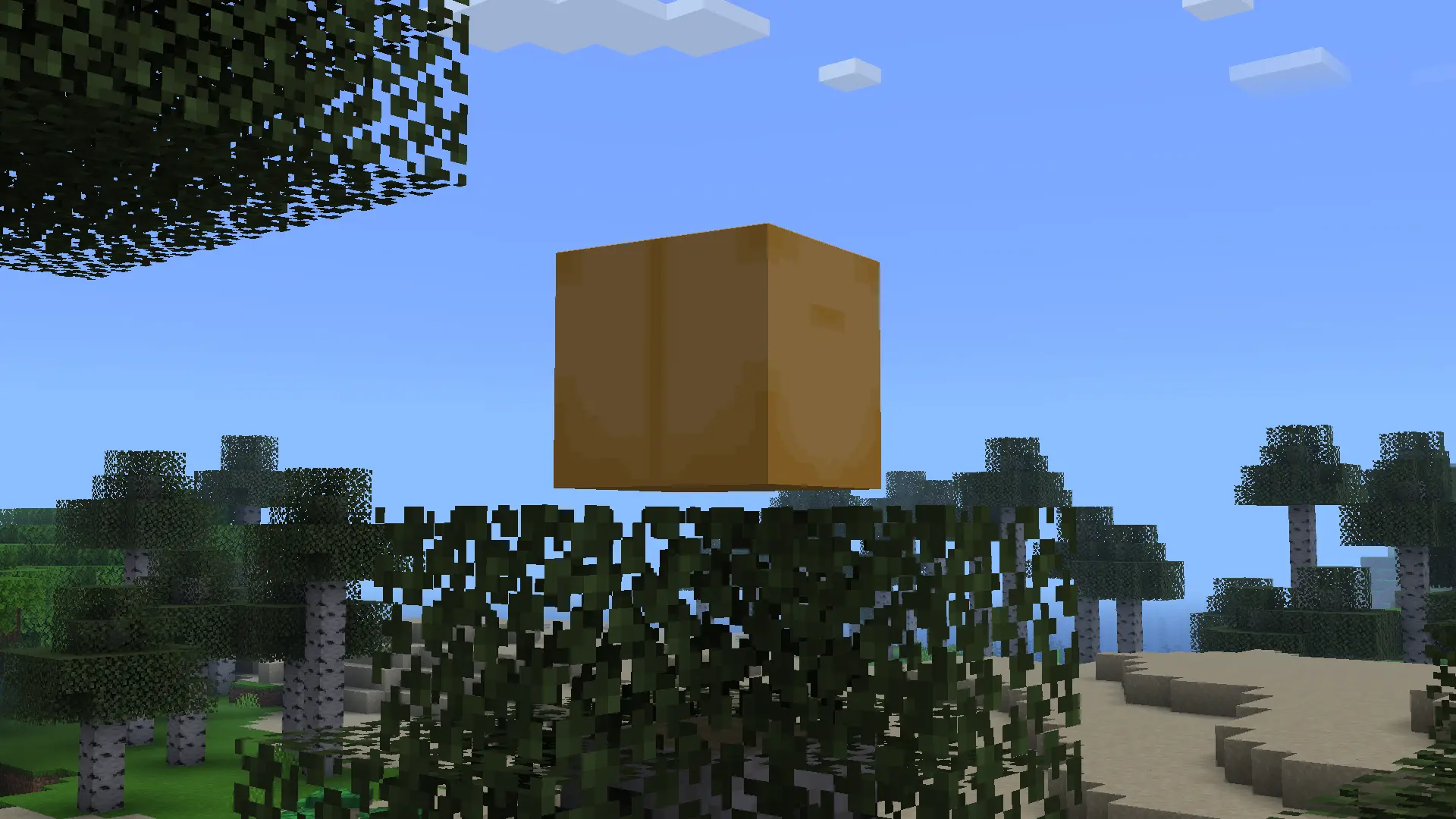
The image below is an official project-gallery view of the Verity box in a world. Use it only to recognize an in-game state. It is not a screenshot of a crash, a diagnostic screen or a promised spawn condition; the project's public material does not document one universal event schedule for every world.

The Verity box in a Minecraft forest, shown in the official Modrinth project gallery
Official Verity JE gallery media on Modrinth, checked September 24, 2026. The pictured box is an in-game reference only; it does not reproduce an error state.
  • Before the title screen: record the active Minecraft profile and loader version first.
  • During world loading: preserve the save and compare a disposable new world before editing files.
  • After the world opens: separate local entity behavior from AI, voice and server symptoms.
  • After a version change: verify that the game, Forge, Verity file and dependency all belong to one supported combination.
seven checks

7 Checks to Fix Verity Mod Crashing on Launch

Work from the lowest layer upward. Stop as soon as a check explains the failure, change one thing, and launch again. If you replace several files at once, a successful launch will not tell you which change mattered. Back up important saves before testing; do not delete worlds or remove every mod as a first move.

1

Capture the exact failure

Copy the latest log and crash report, note the time, and record whether the crash happens before the menu, during world loading or after the world opens. Keep private keys and account data out of shared logs.

2

Confirm Java Edition and Minecraft 1.20.1

The checked Verity JE listing targets Minecraft Java Edition 1.20.1. Verify the selected launcher profile, not only the version shown in another saved instance. A Bedrock add-on and a Java .jar are different formats.

3

Check that the profile uses Forge

The source-checked beta.9 release lists Forge. If the launcher starts Fabric, NeoForge or an unrelated profile, do not try random loader builds; confirm the supported combination on the live project page.

4

Verify the file and listed dependency

Compare the filename and release against Modrinth. The checked version lists Geckolib as a required project dependency. Follow the current metadata and the <a href="/verity-mod-dependencies/">dependency guide</a>; do not add libraries based on an old video alone.

5

Remove duplicate or stale copies from the test profile

Look for two Verity jars, an older build left beside beta.9, or a file placed in another launcher's mods folder. Move only the test-profile copy to a temporary folder so you can restore it if needed.

6

Test one clean launcher profile and one new world

Use only the required profile files for the first comparison. Keep your main save untouched. If the clean profile opens, reintroduce other mods in small groups; if only one world crashes, retain its backup and compare the log before making any save edits.

7

Route post-load problems to their own guide

If the world opens and Verity appears, stop reinstalling. Test a short typed request before voice or server features, then follow the AI, voice or multiplayer guide that matches the symptom.

read evidence carefully

How to Read a Minecraft Crash Log Without Guessing

Start near the first meaningful exception and keep the surrounding lines. The final line can be a wrapper that only says Minecraft stopped; earlier lines may name a mod, a missing class, a loader transformation or the world-loading phase. Treat that as a lead to verify against the current release metadata, not proof that one named file is always at fault. A log can include several follow-on errors after the original failure, so copying only the last sentence often removes the useful context.

Compare the timestamp to your last launch, then check which profile created the report. A launcher may keep logs for multiple instances, and a stale report can make a fixed crash appear unchanged. When you ask for help, share the relevant stack trace and versions, but remove usernames, private server addresses, authentication details and API credentials first. If the error is not clearly tied to Verity, repeat the clean-profile test before attributing it to this mod.

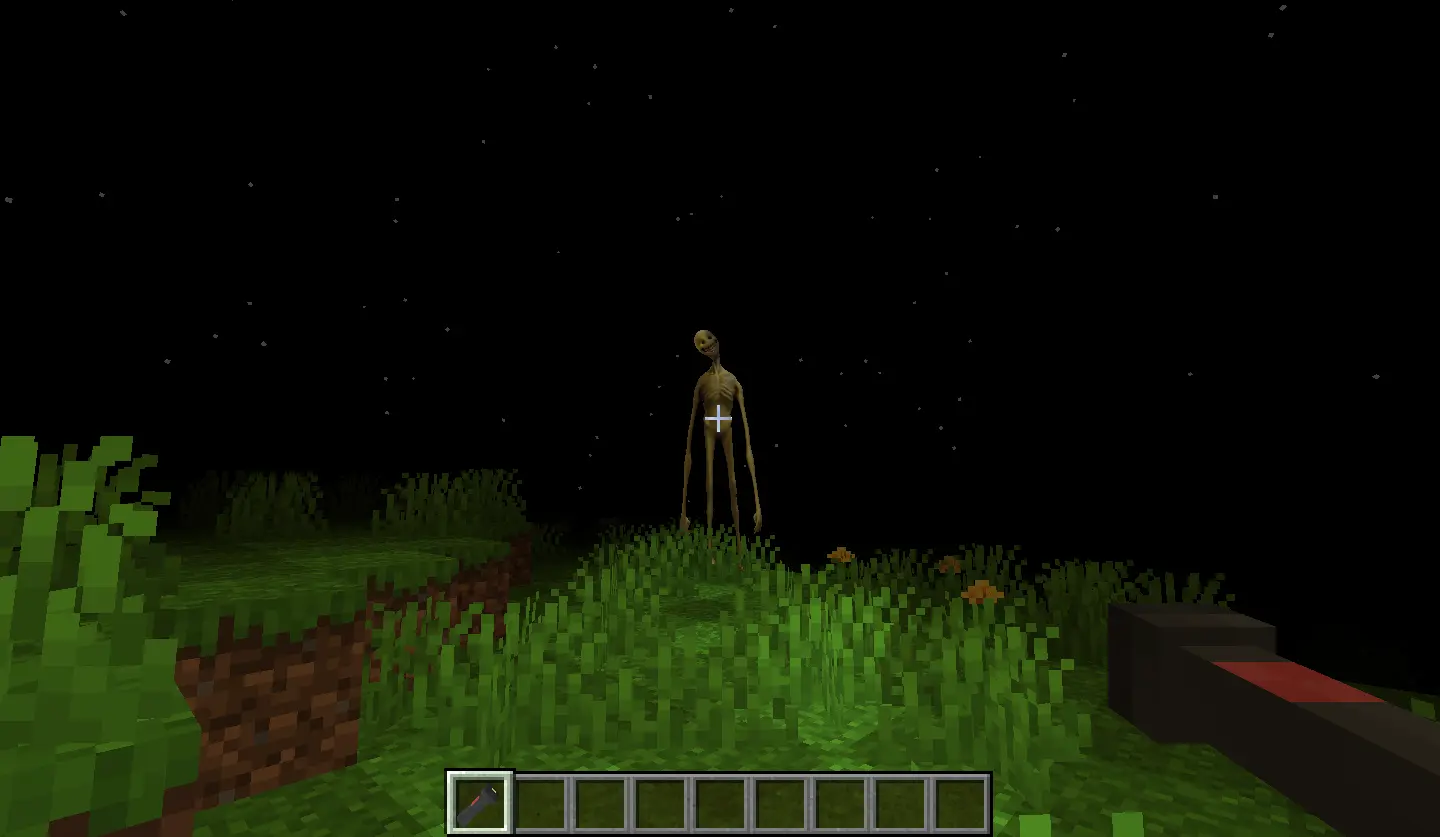
The official gallery image below shows Verity's Demon in gameplay. It helps distinguish a visible in-world feature from an application startup failure; it is not an error reproduction or an instruction to trigger a particular event. The project description lists the Demon and world changes as features, while the exact timing can depend on the release and world state.

The Verity Demon standing in a Minecraft world at night in official project media
Verity JE project gallery screenshot hosted by Modrinth, checked September 24, 2026. This is real gameplay media, not a crash-log illustration.
  • Record the Minecraft version and the exact Forge profile name.
  • Include the Verity filename and required dependency versions from the active profile.
  • State the last step that completed before the crash and whether a new test world behaves differently.
  • Do not publish API keys, launcher tokens, private IP addresses or unrelated personal details.
separate symptoms

Minecraft Opens but Verity Mod Is Not Responding

A world that opens normally is important evidence: it means the startup-crash path may not be the right one. If Verity's box or entity never appears, check that the active profile loaded the project and its required library, then compare the launch log. If the character appears but an AI prompt fails, the problem can involve provider configuration, authorization, rate limits or connectivity. Follow the Verity AI setup guide and record the exact response rather than replacing the mod file first.

If typed interaction works but speech does not, test the microphone and speech path separately in the voice setup guide. If the issue appears only when joining a friend or hosted server, compare the client and server project versions and loader using the multiplayer guide. The official project description says speech features were tested in English; that statement does not guarantee every microphone, language or server arrangement will behave the same.

The broad query 'Verity Mod not working' can describe any of these stages. This page is specifically for repeated startup or world-load crashes. For in-world events, first interactions and general no-response behavior, use the gameplay and survival guide. Keeping one primary guide for each layer makes the next diagnostic step clearer.

reinstall only with evidence

When Reinstalling Verity Mod Is a Reasonable Next Step

A reinstall can help when the file is corrupt, incomplete, placed in the wrong profile or clearly different from the version metadata. It is not the first response to an AI timeout, an unconfigured microphone or a server-side mismatch. Before replacing anything, back up the world, capture the current log, and note the old filename so the test can be reversed. Use the project's Modrinth version list as the source of truth; a search result, reposted file or video description may point to an older release.

The version check for this page found v6.0.0-beta.9, published September 3, 2026, for Minecraft 1.20.1 and Forge. Its listed primary file is verity-6.0.0-beta.9.jar at 257,904,342 bytes, and the file endpoint returned a valid partial-content response during verification. Release data can change, so check the official Verity JE Modrinth project page again before downloading or changing your profile. This guide does not claim that beta software is stable or that every crash has the same cause.

  • Keep the original world backup separate from the disposable test world.
  • Use the live project page to confirm version, loader, game version, file and dependency together.
  • Do not replace a Java .jar with an unrelated Bedrock package or an unknown executable.
  • After one controlled reinstall, retest the same stage and compare the new log with the saved report.
report a reproducible issue

What to Record if Verity Mod Still Crashes

A compact, reproducible report is more useful than a list of fixes already tried. Include the Minecraft edition and version, loader and profile, Verity release and exact filename, required library versions, the crash stage, whether a clean new world behaves differently, and the first relevant error lines from the current report. Mention what changed immediately before the problem began, such as a game update, a profile switch or another mod installation. That gives a maintainer enough context to separate an environment mismatch from a possible release bug.

Do not send a world save or full log publicly unless you understand what it contains. Remove credentials and private addresses, keep backups, and use the support channel linked from the project page for account-specific or private information. The checks here are a safe troubleshooting order, not a guarantee that every compatibility combination is supported. For the current release scope, the official Modrinth listing and version metadata take precedence over cached summaries on this site.

sources checked

Verity Mod Crash Troubleshooting Sources

  • Verity JE on Modrinth - Official project listing and gallery used to confirm the project description, screenshots and current release path. Release rechecked September 25, 2026; gallery media inspected September 24, 2026.
  • Minecraft Forge documentation - First-party loader documentation for understanding Forge profiles; it does not certify Verity compatibility by itself.
next diagnostic step

Continue with the Guide That Matches the Symptom

common crash questions

Verity Mod Crashing FAQ

Why is the Verity Mod not working and crashing every time?

First locate the crash stage. Before the title screen, check the active Java profile, Minecraft 1.20.1, Forge, the Verity file and its listed Geckolib dependency. During world load, preserve the save and compare a clean test world. If the world opens and only an AI reply or microphone fails, use the AI or voice guide instead of reinstalling.

Which Minecraft and Forge version does the checked Verity JE release use?

The Modrinth release checked September 25, 2026, listed Verity JE 6.0.0-beta.9 for Minecraft Java Edition 1.20.1 with Forge. Recheck the live project listing because version data can change.

What should I do if Minecraft crashes while loading a world with Verity?

Back up the world, save the current crash report, and test a new disposable world using one clean Forge profile with only the required project files. Compare the two logs before editing or deleting the original save.

Can I use a Bedrock Verity file to fix a Java mod crash?

No. The checked Verity JE release is a Java .jar for Minecraft 1.20.1 and Forge. Bedrock add-ons use a different format and installation path; choose a source page for the edition you actually play.

What if Minecraft loads but Verity does not respond?

That is usually a post-load symptom rather than a startup crash. Confirm the entity and profile first, then follow the AI setup guide for provider responses or the voice setup guide for microphone and speech issues.

Should I reinstall Verity Mod after every crash?

No. Reinstall only when the file is missing, corrupt, placed in the wrong profile or mismatched with the live release metadata. Record the crash and test one change at a time so the cause remains clear.

Why is Verity JE not working if Minecraft opens?

If the game opens, identify whether Verity is missing, an in-world event is delayed or an AI prompt fails. Those post-load symptoms belong to the gameplay or AI guide rather than the startup-crash path.

Why is my Verity Mod not working on Bedrock?

The version checked here is Verity JE for Java Edition and uses a .jar file with Forge. Bedrock uses a separate add-on source and import path; use the <a href="/bedrock/">Bedrock guide</a> instead of trying to load a Java mod.

What should I check if Verity Mod is not working with OpenRouter?

The Modrinth project description checked for this page names Groq, and the beta.9 notes mention a reworked AI configuration; they do not verify OpenRouter compatibility. If Minecraft has already loaded, use the <a href="/ai-setup/">AI setup guide</a> and current project instructions. Do not treat an unverified provider as a launch-crash fix.

Why is my microphone not working with Verity Mod?

A microphone or speech problem after the world opens is separate from Minecraft crashing during launch. Check device permissions and the voice configuration in the <a href="/voice-setup/">voice setup guide</a>; do not replace the .jar until the crash log points to a file or loader problem.