Verity Mod MinecraftVerified Minecraft mod download guide
English
full setup guide

Verity Mod Setup: Java, AI and Voice Checklist

Verity Mod setup is easiest when you treat it as a sequence of checks instead of one download button. Begin with a clean Minecraft 1.20.1 Forge profile, add the source-checked Verity JE file and its required dependency, then prove that the local mod loads before configuring AI, voice or multiplayer. This guide uses Verity JE v6.0.0-beta.6 as the checked baseline and sends each deeper problem to the page that owns it.

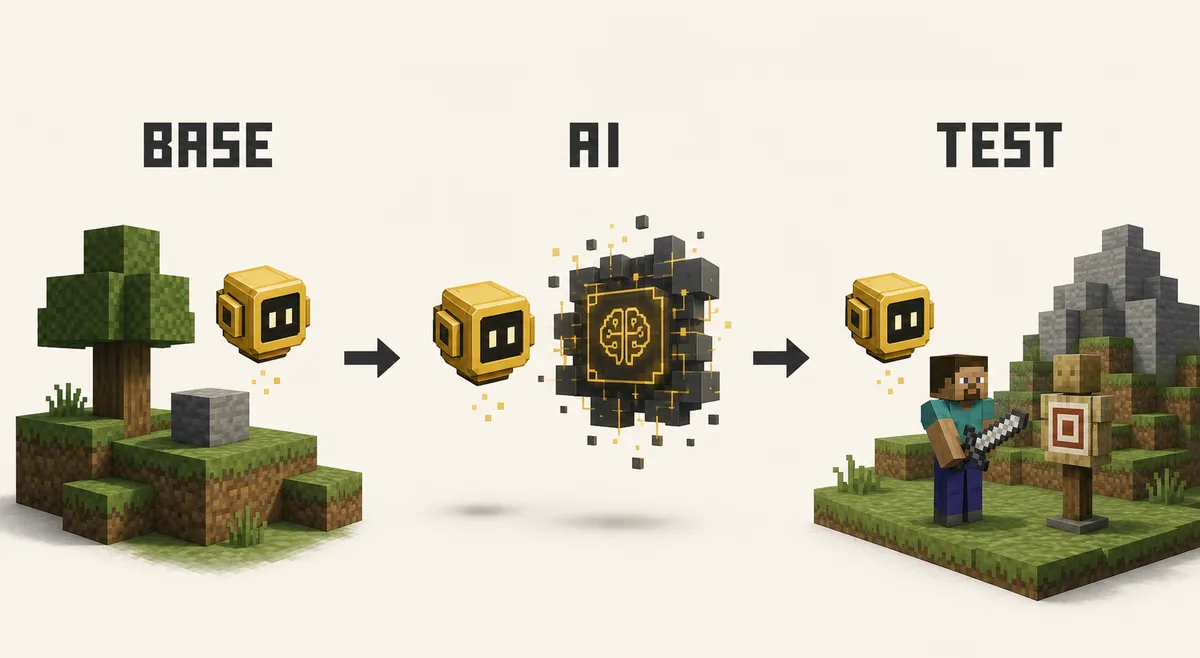
Editorial concept flow showing a Verity-style yellow assistant moving from a Minecraft base setup through AI configuration to a safe test world
Editorial concept illustration, not official gameplay or a launcher screenshot: build the base profile first, add AI second and test last.
checked baseline

Verity Mod Setup Facts Checked August 19, 2026

Project Verity JE on Modrinth
Checked release v6.0.0-beta.6, published August 18, 2026
Minecraft / loader Minecraft 1.20.1 with Forge
Primary file verity-6.0.0-beta.6.jar, 257,909,392 bytes
Required project dependency Geckolib, matched to the same Java profile
1. start here

Choose the Java Baseline Before Adding Extras

The first decision is edition and loader. This page is about the Java path: the checked Verity JE release is a .jar project for Minecraft 1.20.1 with Forge. Bedrock and MCPE add-ons follow a different package and import process, so a Java file should never be treated as a Bedrock setup. If you are unsure which edition you have, use the edition-specific install guide before opening a source page.

Create a separate launcher profile or instance for the first test. A clean profile reduces the number of possible causes when Minecraft closes, a dependency is missing or Verity never appears. Keep the release page open and compare the game version, Forge loader, file name and update date. The official source checked here is the Verity JE Modrinth project; a video title or mirror name is not enough to establish compatibility.

Check Use for beta.6 Do not assume
Edition Minecraft Java Edition A Java .jar is a Bedrock add-on
Game version 1.20.1 A newer version works automatically
Loader Forge Fabric or NeoForge support without a source listing
Profile Clean instance for the first launch A large modpack is a useful baseline
2. build the base

Install Verity JE and the Required Dependency

Once the profile is ready, place the source file in that instance's mods folder and keep its original name visible. The current file is verity-6.0.0-beta.6.jar. Do not unzip it, rename it to hide its identity or wrap it in an unrelated installer. The release metadata lists a required project dependency that the site identifies as Geckolib; the exact library version must match Minecraft 1.20.1 and Forge.

Launch with only the minimum base set: the matching Forge profile, Verity JE and Geckolib. If the game fails here, do not add an API key, a voice package or a replacement file. Open the Verity dependency guide for the missing-library boundary and the Java guide for file, loader and source checks. A successful title screen is only the end of the base-load check, not proof that AI or voice is configured.

1

Create a clean profile

Select Minecraft 1.20.1 and Forge in the launcher or instance manager.

2

Keep the file visible

Use the official source page and retain the beta.6 .jar filename.

3

Add Geckolib

Use the dependency selected for the same game version and loader.

4

Launch once

Read the first error line before changing more than one variable.

5

Open a test world

Use a disposable world before placing gameplay-changing behavior in a main save.

3. local before online

Confirm the Mod Loads Before Configuring AI

The most useful Verity Mod setup checkpoint is local: Minecraft opens, the profile recognizes the mod and the expected Verity elements can appear in a new world. The beta.6 changelog includes a fix for AI errors on dedicated servers, but that does not mean every provider, model or server host is configured for you. Keep the Minecraft layer and the provider layer separate so a failed request does not send you back to reinstall the .jar.

The project description presents Verity as an intelligent yellow sphere, while the published release can also expose inventory, event and world behavior that varies by version. Treat source notes as the feature boundary. If the base profile is healthy but a prompt fails, continue to Verity AI setup for API keys, models and 401/429 responses. Do not paste a private credential into a crash log, screenshot or multiplayer configuration.

Official Verity JE project media showing the yellow assistant concept used to identify the playable Java project
Official Modrinth gallery media used for project identification; it is not a guarantee that every beta build renders the same scene.
  • Local load succeeds before an AI provider request is tested.
  • The first prompt is short and typed, so the response path is easy to inspect.
  • The API key belongs to the provider configuration, not to the Minecraft .jar or Geckolib dependency.
  • A beta release note describes changes; it does not promise a fixed event time or universal model behavior.
4. configure ai

Add the AI Layer as a Separate Check

After the local world opens, configure the AI provider using the project's current instructions. The safe order is credential, model, one short typed request and then a review of the exact response or error. A 401 usually points toward authorization, a 429 toward rate limits or quota, and a silent local entity can still be a Minecraft-side or network-side issue. Do not call every failure a missing dependency.

The beta.6 changelog says the default TTS was switched to local and an AI prompt was updated. That is useful context when comparing an older tutorial, but it is not a reason to copy old configuration files. Follow the AI setup guide for provider details and use the official beta.6 version page when a release-specific note matters.

Symptom Check next Avoid
Minecraft will not open Forge, game version, duplicate files and Geckolib Changing the API key first
Verity appears but request is rejected Credential, provider response, model and network Downloading a replacement .jar
Text works but voice is silent Microphone, permissions, TTS and voice settings Calling the base mod broken
An event is not visible Version notes, world state and documented triggers Assuming a video timetable is universal
5. optional voice

Add Voice Only After Typed Interaction Works

Voice is an optional layer, not a prerequisite for loading Verity JE. Once a short typed request succeeds, check microphone permission, input device selection, speech recognition and the local or external TTS path one at a time. This makes it possible to tell whether the problem is the microphone, the voice service, the provider response or the Minecraft profile.

Players often search how to talk to Verity when they are actually asking three different questions: how to interact with the local entity, how to send an AI request and how to hear a spoken response. The existing voice setup guide owns the microphone, TTS and voice-chat troubleshooting. Keep the general setup page as the order-of-operations map rather than copying every device-specific fix here.

1

Prove text first

Send one short typed prompt and save the exact error if it fails.

2

Check permissions

Confirm Minecraft, the launcher and the operating system can access the intended microphone.

3

Test the voice path

Change one input or TTS setting at a time and repeat the short test.

4

Keep credentials private

Do not publish keys, tokens or full logs in a support post.

6. multiplayer last

Prepare Multiplayer After the Client Works

A multiplayer Verity Mod setup adds another compatibility boundary: the client and server may need the same Minecraft version, Forge line, Verity release, dependency set and file context. Public project metadata does not prove that every managed host supports every beta, so do not treat a server list or a successful boot as universal support.

Use a small test server or host profile after the client works in single-player. Compare both sides line by line, then create a new world and read the server log. If the host cannot list the project or the loader combination, stop at that boundary rather than using an unknown replacement upload. The multiplayer guide owns Aternos, server matching and client/server troubleshooting.

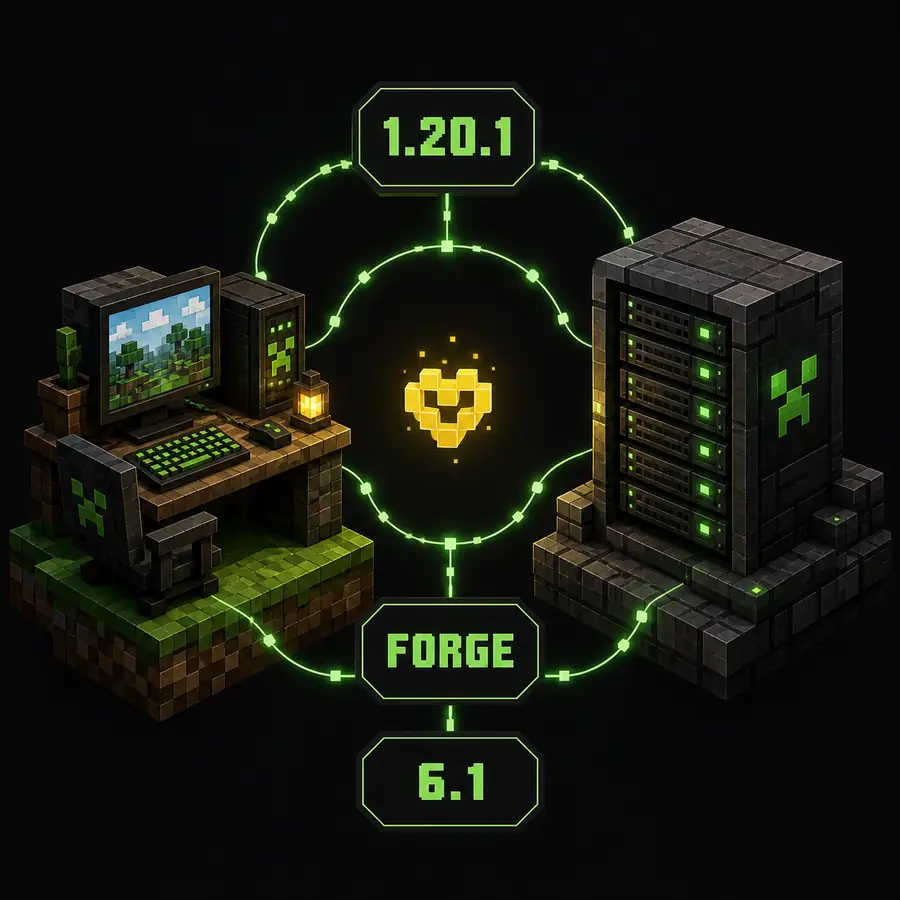
Editorial concept diagram for matching a Minecraft client and server version before a Verity multiplayer test
Editorial concept illustration, not a real server dashboard: compare client, server, loader, release and dependencies before connecting.
Compare on both sides Why it matters
Minecraft 1.20.1 A different game version can reject an otherwise correct file.
Forge loader Forge is not a generic label for Fabric or NeoForge.
Verity beta.6 and dependency One side running an older jar can create an unclear mismatch.
AI and voice expectations Provider or microphone failures are separate from server transport.
World backup and test profile A gameplay-changing beta should not be the first test on a valuable save.
7. stop and diagnose

Use a Stop/Go Checklist Instead of Random Fixes

When something fails, return to the last confirmed layer. If the launcher closes, stop at the Java and dependency checks. If the world opens but Verity is absent, inspect the instance folder and launch log. If the entity appears but a provider request fails, move to AI configuration. If text works but sound does not, move to voice. If single-player works but a server rejects the client, compare the multiplayer profile.

This approach is slower than downloading an all-in-one replacement, but it produces evidence you can use later: the source URL, release number, file name, Minecraft version, loader, first error line and the last change made. The current beta.6 release is still a beta; preserve that limitation in your expectations and recheck the official version list before every future update.

  • GO: the current layer works in a clean profile.
  • STOP: the error belongs to an earlier layer; fix that layer first.
  • RECORD: exact version, file name, loader and first error line.
  • RESET: use a new test world before trying a larger mod list or server pack.
  • RECHECK: compare the official project page whenever the beta version changes.
8. practical answer

The Complete Verity Mod Setup Order

The most reliable Verity Mod setup is not a single universal installer. It is a controlled sequence: choose Java, match Minecraft 1.20.1 and Forge, install Verity JE beta.6 with Geckolib, launch a clean world, test a typed AI request, add voice only when text works and investigate multiplayer last. The sequence keeps a local file problem from being confused with a provider or server problem.

For edition and file placement, use the install and Java pages. For Geckolib, use the dependency guide. For Groq or model errors, use AI setup; for microphone, TTS or voice chat, use voice setup; for servers, use multiplayer. This page is the map between them. Recheck the official Modrinth project because the version, changelog and compatibility details can change after this beta.6 check.

next checks

Choose the Next Verity Mod Guide

setup faq

Verity Mod Setup FAQ

What does a complete Verity Mod setup include?

It includes a matching Minecraft Java and Forge profile, the Verity JE file, its required Geckolib dependency, a local first launch, optional AI configuration, optional voice setup and a separate multiplayer test. These layers should be checked in that order.

Which Minecraft version and loader should I use for Verity JE beta.6?

The official Modrinth version checked on August 19, 2026 is Verity JE v6.0.0-beta.6 for Minecraft 1.20.1 with Forge. Recheck the project page before installing a later release because a beta can change.

Do I need Geckolib for the Verity Mod setup?

The checked Modrinth version lists a required dependency that this site identifies as Geckolib. Use the dependency version selected for the same Minecraft and Forge combination; do not substitute a random library build.

Can I configure the Verity AI key before Minecraft loads the mod?

You can prepare the credential, but troubleshoot it only after the base Java profile opens and Verity appears in a clean test world. A provider error and a missing Forge dependency are different problems.

Is voice chat required for Verity Mod?

No. Voice, speech recognition and text-to-speech are optional layers. First prove that the local mod and a short typed AI request work, then use the voice guide for microphone and TTS issues.

Should multiplayer be the first Verity Mod setup test?

No. Start with a clean single-player profile and disposable world. Add a server only after the client, file, dependency set and expected AI or voice behavior are understood, then match the client and server exactly.

What changed in Verity JE beta.6?

The official changelog checked on August 19, 2026 lists dedicated-server AI error fixes, a local default TTS change, an inventory-use ability, a debug random-event trigger and an AI prompt update. Treat those as release notes, not a guarantee that every event appears on demand.